
National Examinations Board (NEB) has published the results of the SEE Re-Exam Retotaling (First Lot). If your symbol number is not in this lot then it will be published in the upcoming lots.
This is your result:
What Can I Do if My Grade Is Not Changed After Retotaling?
If your grade remains unchanged after retotaling, you have only one options:
- Apply for Rechecking within 15 days.
SEE Rechecking Procedure
If you are not satisfied with the retotaling result, NEB provides a facility to apply for Rechecking of your answer sheets. If any mistake is found during rechecking, NEB will issue a new marksheet with updated marks.
Rechecking must be applied within 15 days of the retotaling result publication.
Sample of Rechecking Result
Here is a sample of a rechecking result format:
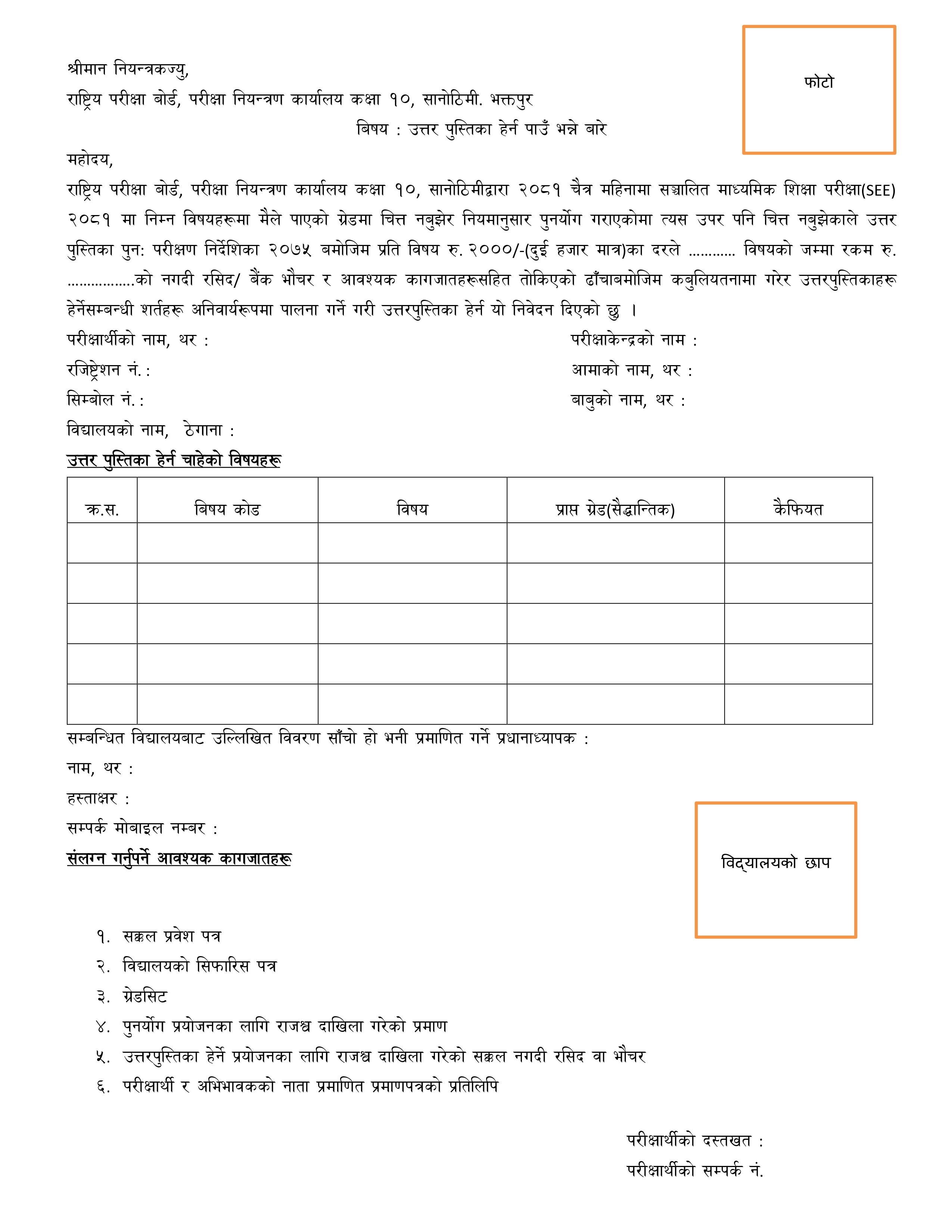
Required Documents
- SEE Original Admit Card
- Recommendation Letter from School
- Grade Sheet
- Revenue Payment Receipt
- Receipt for Answer Sheet Viewing Request
- Relationship Certificate with Guardian
Cost: Rs. 2000 per subject
Procedure
- Visit the NEB Examination Controller’s Office and fill the rechecking form.
- Deposit the required fee at designated banks.
- Submit the form with the bank voucher to NEB within 15 days.
Additional Notes
- Applications after 15 days will not be accepted.
- Rechecking checks the full answer sheet, not just totals.
Frequently Asked Questions (SEE Retotaling & Rechecking)
How can I check my SEE Retotaling Result?
- Go to https://see.gov.np/
- Scroll to हाइलाइटहरू.
- Click on SEE RE-EXAM RETOTALING RESULT 2082 (1st Lot).
- Open the PDF and search your symbol number.
What if my grade is not changed?
You can apply for rechecking or attend the SEE Re-Exam.
What is SEE Rechecking?
Rechecking means NEB re-checks your entire answer sheet for marking mistakes.
What documents are needed?
- Admit Card
- Grade Sheet
- School Recommendation
- Revenue receipt
What is the fee?
NPR 2000 per subject.